Elim HomeCapabilities of Elim Home
Run on your Home Assistant. Open on any screen: wall, phone, tablet, TV or browser. No Elim OS needed.
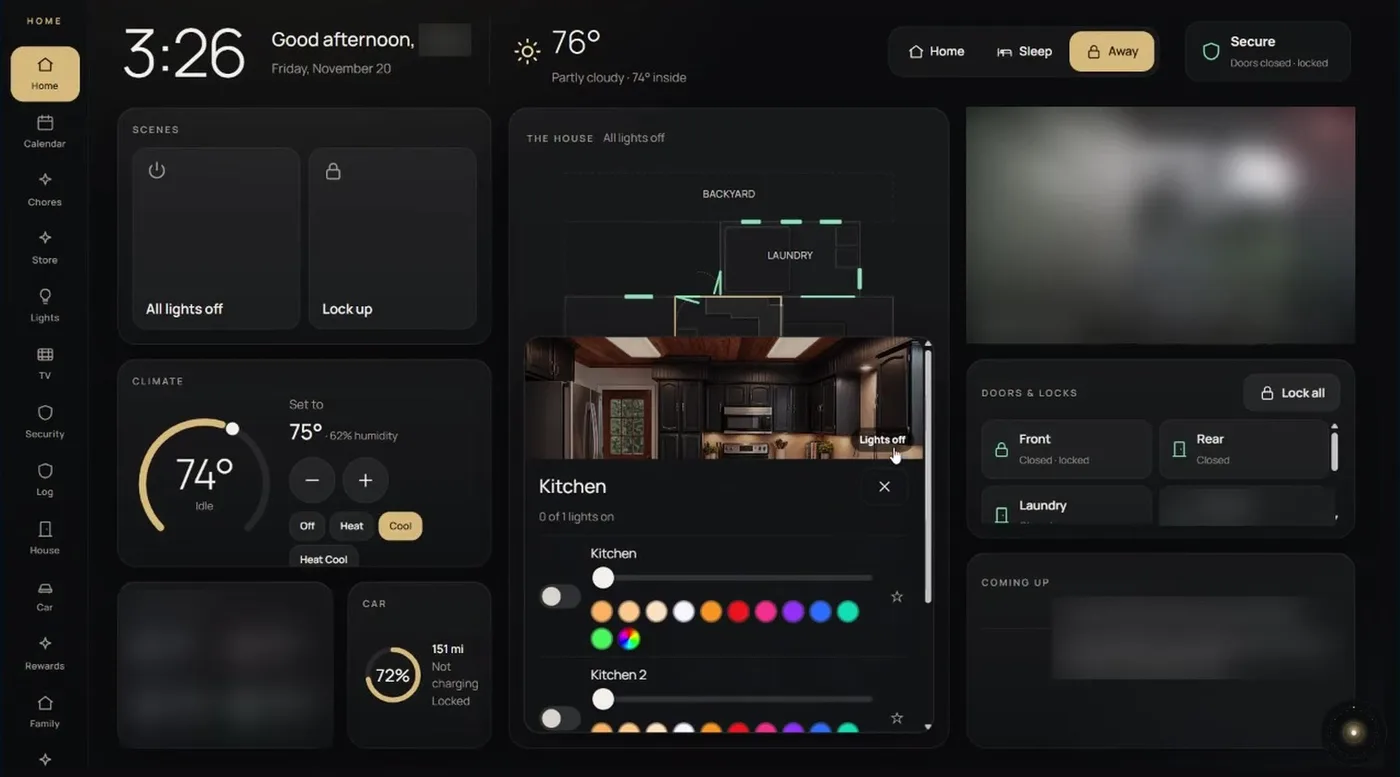
- Home dashboard
- Your start screen, in the look you pick for each screen.
- Elim AI
- The assistant, by voice or chat.
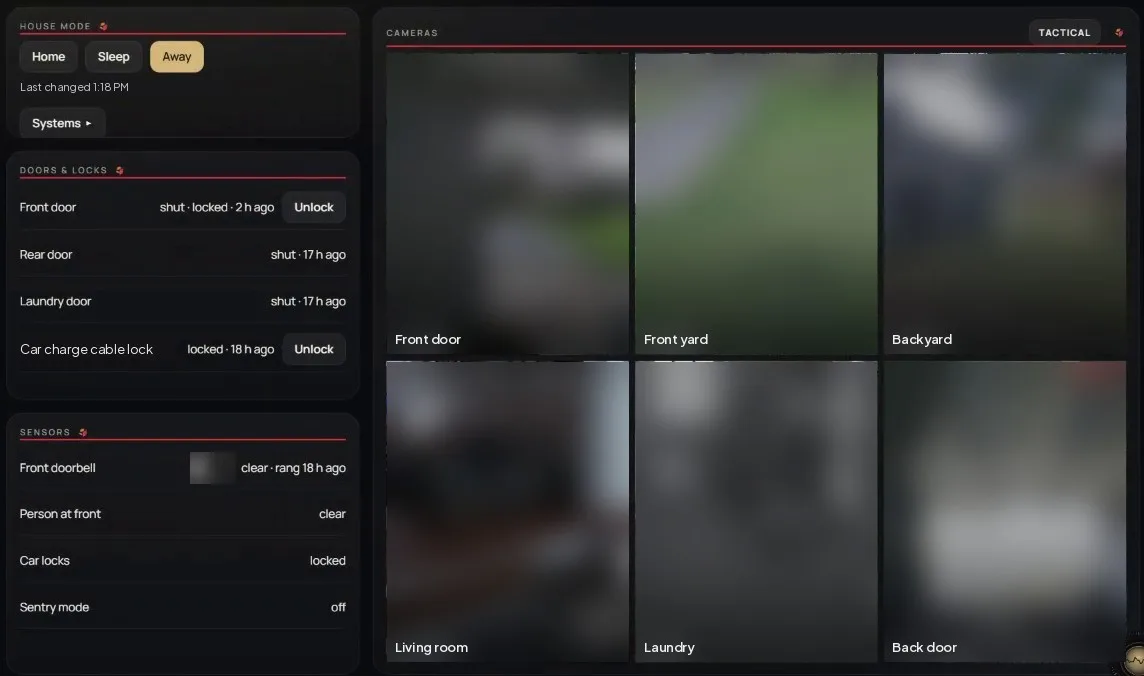
- Security
- House mode, cameras, doors and locks, alerts with pictures.
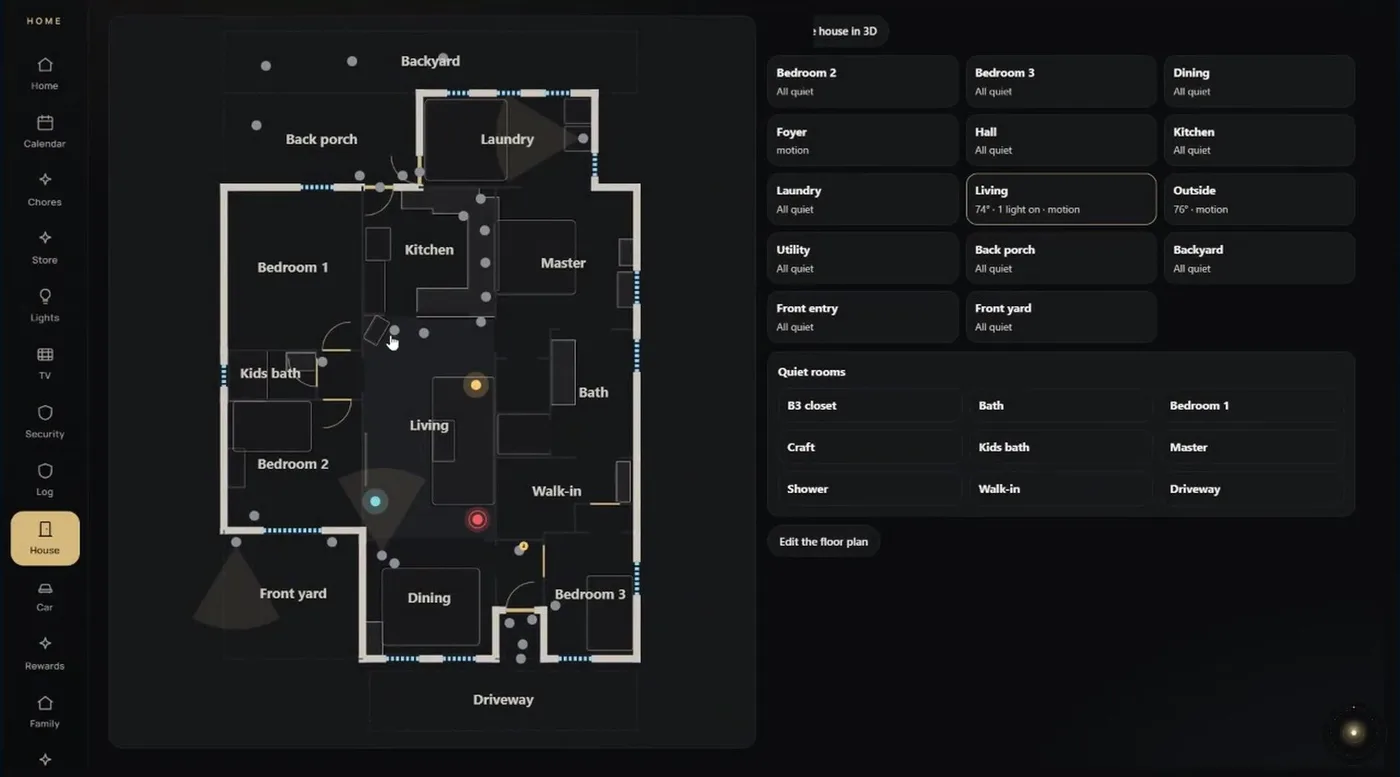
- Plan Studio
- Your floor plan, with every device in its room.
- Controls
- Every room’s lights and devices.
- Calendar
- The family calendar and plans.
- Chores and rewards
- Duties, stickers and play time for the kids.
- Recipes
- Tonight’s dinner, the week, the pantry, cooking step by step.
- Photos and House Files
- Family pictures and a shared library for any wall or TV.
- Notes
- Quick notes for the family, with dictation.
- Self-repair
- Finds and fixes its own faults. How.
On an Elim OS computer, House, Controls, Security, Calendar, Recipes, Photos, Notes, House Files and Plan Studio also open as native apps. They’re the same Elim Home underneath, with nothing extra to set up.